Development Board
Code name: ESP32S3_DEV
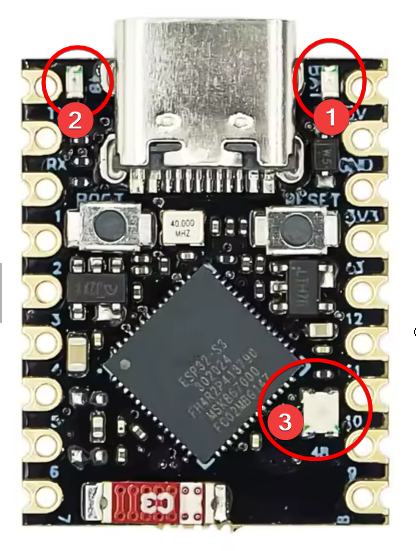
Board contains three LEDs (RGB / RED / BLUE)
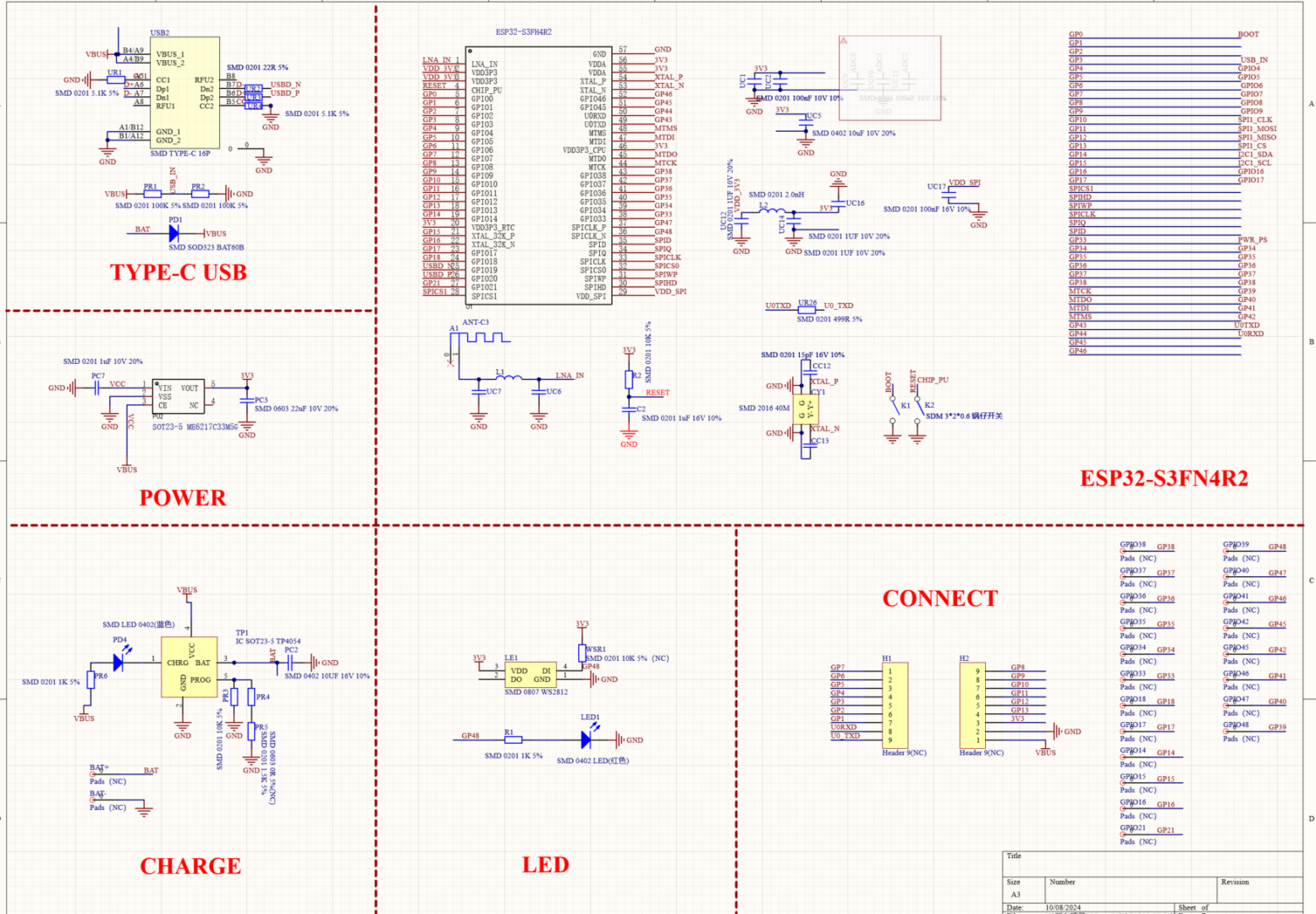
1. BLUE – connected to the Battery Charge – it is not controlled
2. RED – Connected directly to GP48. ON/OFF when output is stable. Flashes when transmitting RGB data.
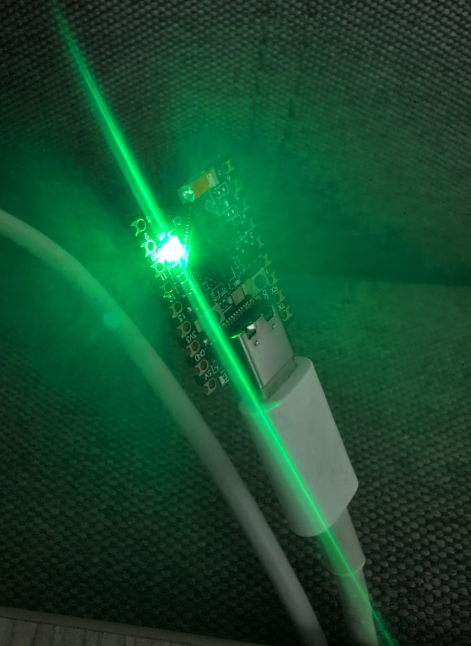
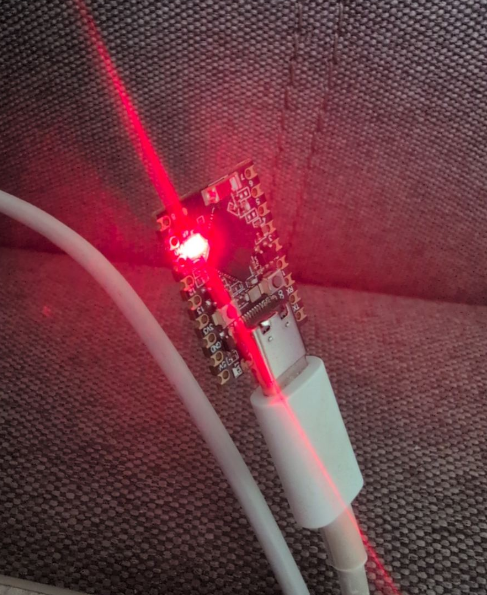
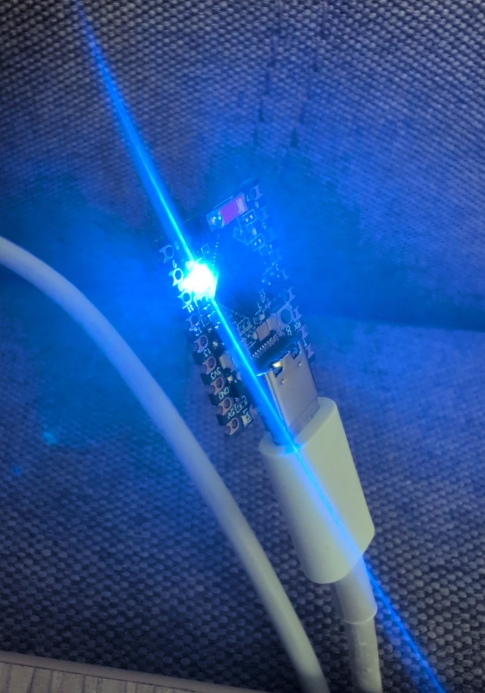
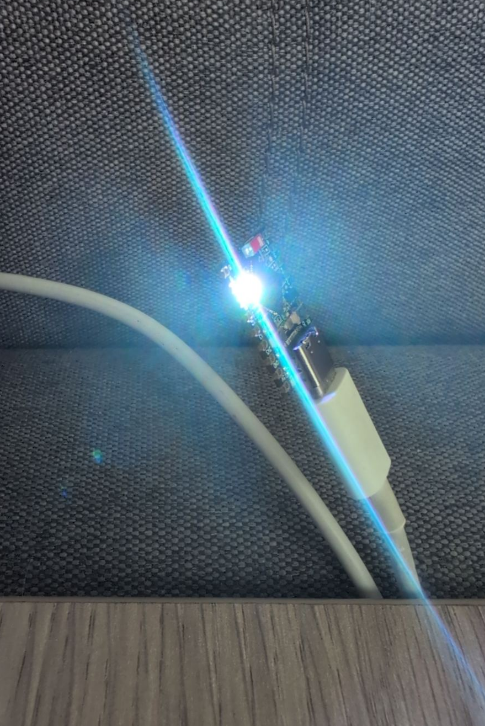
3. RGB – digital LED (WS2818). Connected to GP48
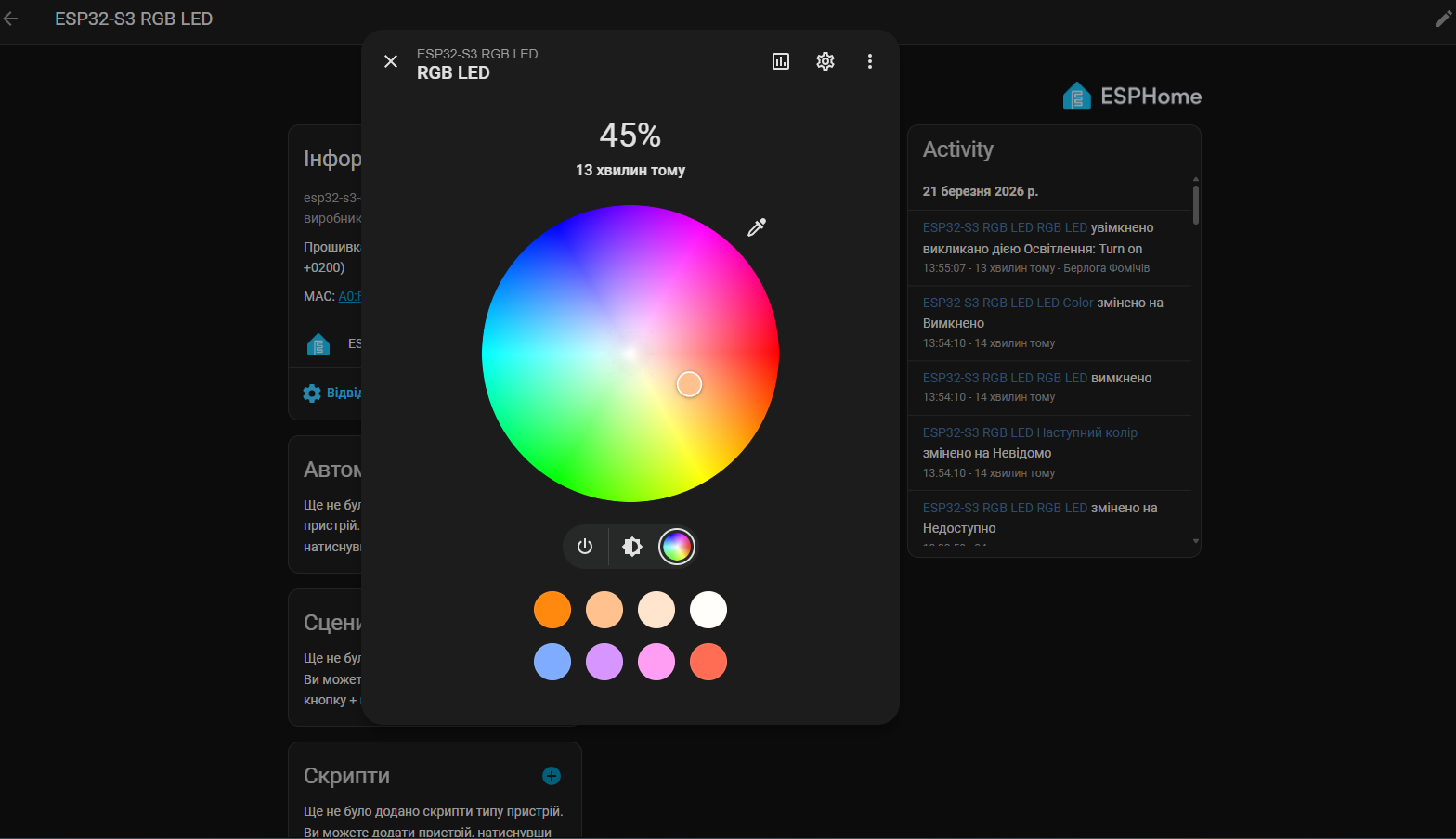
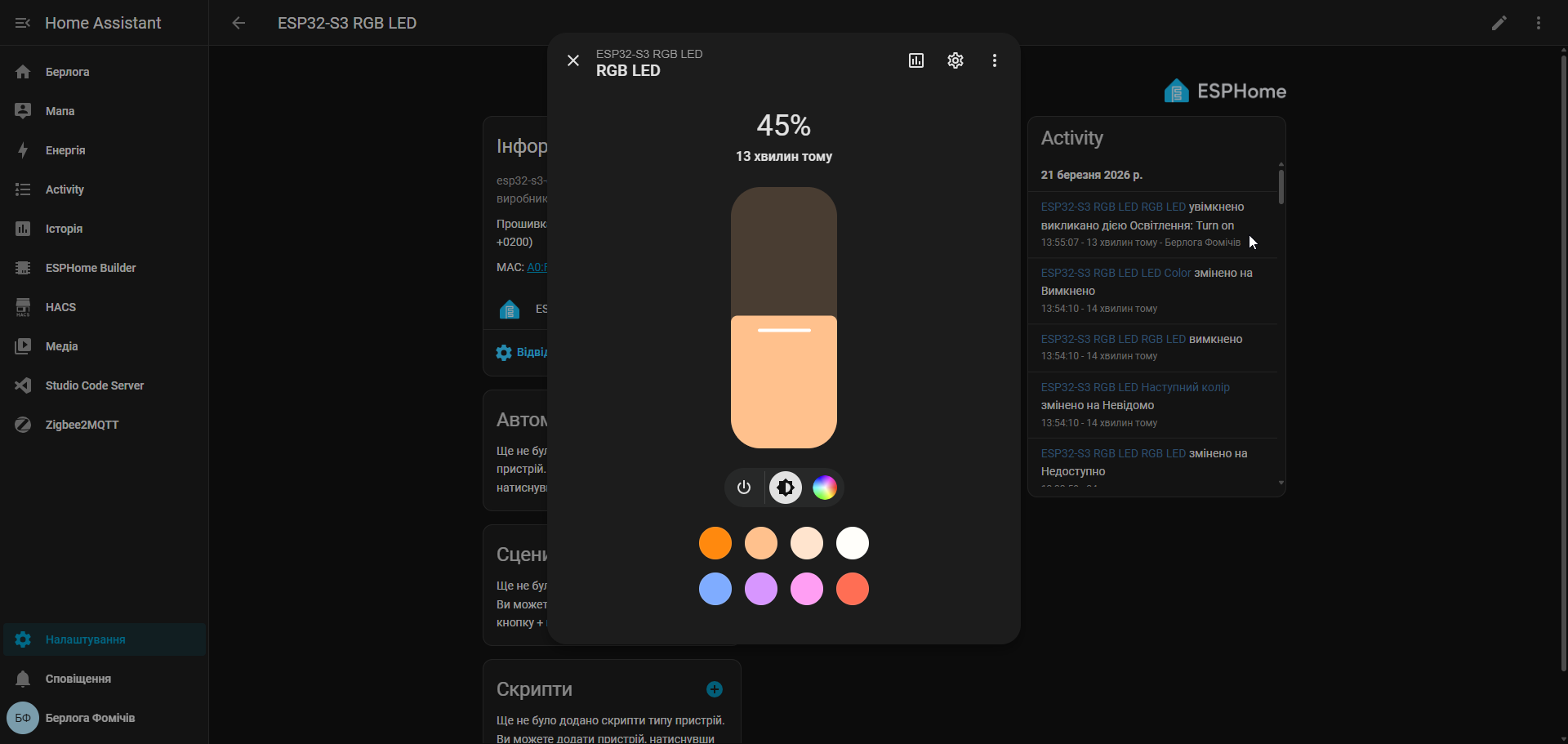
RGB LED control via HomeAssistant
Code for ESPHome:
esphome:
  name: esp32-s3-rgb-led
  friendly_name: ESP32-S3 RGB LED

esp32:
  board: esp32-s3-devkitc-1
  framework:
    type: arduino

logger:

api:
  encryption:
    key: !secret api_encryption_key

ota:
  - platform: esphome
    password: !secret ota_password

wifi:
  ssid: !secret wifi_ssid
  password: !secret wifi_password
  ap:
    ssid: "ESP32-S3 Fallback"
    password: "fallback123"

captive_portal:

light:
  - platform: neopixelbus
    type: GRB
    variant: WS2812
    pin: GPIO48
    num_leds: 1
    name: "RGB LED"
    id: rgb_led
    restore_mode: RESTORE_DEFAULT_OFF

select:
  - platform: template
    name: "LED Color"
    id: led_color
    options:
      - "Вимкнено"
      - "Червоний"
      - "Зелений"
      - "Синій"
    initial_option: "Вимкнено"
    optimistic: true
    on_value:
      then:
        - if:
            condition:
              lambda: 'return x == "Червоний";'
            then:
              - light.turn_on:
                  id: rgb_led
                  red: 100%
                  green: 0%
                  blue: 0%
                  brightness: 100%
        - if:
            condition:
              lambda: 'return x == "Зелений";'
            then:
              - light.turn_on:
                  id: rgb_led
                  red: 0%
                  green: 100%
                  blue: 0%
                  brightness: 100%
        - if:
            condition:
              lambda: 'return x == "Синій";'
            then:
              - light.turn_on:
                  id: rgb_led
                  red: 0%
                  green: 0%
                  blue: 100%
                  brightness: 100%
        - if:
            condition:
              lambda: 'return x == "Вимкнено";'
            then:
              - light.turn_off:
                  id: rgb_led

button:
  - platform: template
    name: "Наступний колір"
    on_press:
      then:
        - lambda: |-
            auto current = id(led_color).state;
            if (current == "Вимкнено") {
              id(led_color).make_call().set_option("Червоний").perform();
            } else if (current == "Червоний") {
              id(led_color).make_call().set_option("Зелений").perform();
            } else if (current == "Зелений") {
              id(led_color).make_call().set_option("Синій").perform();
            } else {
              id(led_color).make_call().set_option("Вимкнено").perform();
            }
HomeAssistant and managing
You can change brighntes or color of LED
ESP32-S3 Super mini Schematic